Smart Home Multimedia Control Systems


The rise of smart home technology has revolutionized how we interact with multimedia, turning living rooms into seamless entertainment hubs. From streaming movies to gaming or hosting virtual watch parties, a well-integrated multimedia control system can simplify operations and elevate experiences. By combining smart devices, high-quality displays, and intuitive controls, you can create a versatile setup that’s both user-friendly and immersive. Here’s how to build the ultimate smart home multimedia system.
The Power of Centralized Control
A smart multimedia system starts with centralized control. Universal remotes, mobile apps, or smart home hubs like Google Nest or Amazon Echo allow you to manage your projector, audio system, and streaming devices from one interface. This eliminates the hassle of juggling multiple remotes, making it easy to switch from Netflix to a gaming console or adjust volume without leaving your seat.
For optimal performance, choose a hub that supports your devices’ protocols, such as HDMI-CEC or Wi-Fi. Pair this with a best 4k home theater projector, which delivers stunning visuals for movies or shows. Its high resolution ensures every detail shines, whether you’re watching a blockbuster or streaming a live event.
High-Quality Displays for Every Scenario
The display is the centerpiece of your multimedia setup. A best 4k home theater projector offers a cinematic experience with vibrant colors and sharp details, perfect for large-screen viewing. Unlike TVs, projectors can scale to 100 inches or more, ideal for family movie nights or immersive gaming.
Position your projector based on room size and throw distance—typically 1 to 1.5 times the screen’s diagonal size for optimal clarity. A high-gain screen enhances brightness in rooms with ambient light. For versatility, a gaming projector can handle both entertainment and fast-paced games, with low-latency modes ensuring smooth performance for titles like Call of Duty or Mario Party.
Seamless Audio Integration
Audio is critical for a complete multimedia experience. A surround sound system, such as a 5.1 or Dolby Atmos setup, creates immersive soundscapes, from subtle dialogue to explosive effects. Place front speakers near the screen, side speakers at ear level, and a subwoofer in a corner for deep bass. If space is limited, a soundbar with virtual surround can still deliver rich audio.
Smart audio systems, like Sonos or Bose, integrate with your hub for voice or app control. Pair this with a gaming projector for multiplayer sessions, where low latency ensures audio cues align perfectly with on-screen action. Test your setup with dynamic content, like a concert stream or action movie, to fine-tune speaker placement and sync.
Streaming and Content Access
Streaming devices are the gateway to endless content. Platforms like Roku, Apple TV, or Chromecast support 4k streaming, ensuring compatibility with your projector’s capabilities. Services like Netflix, Disney+, or YouTube offer family-friendly options, while cloud gaming platforms like Xbox Game Pass provide instant access to games without a console.
To avoid buffering, ensure a strong Wi-Fi signal or use a wired Ethernet connection for your streaming device. This is especially important for 4k content, which demands high bandwidth. A gaming projector enhances streaming versatility, doubling as a display for both movies and interactive gaming sessions.
Smart Lighting for Ambiance
Lighting sets the mood for your multimedia experience. Smart LED bulbs or strips, controlled via your hub, can dim automatically when you start a movie or brighten for gaming breaks. Bias lighting behind the screen reduces eye strain and enhances contrast, complementing the clarity of a best 4k home theater projector.
Use blackout curtains Singapore or motorized shades to control natural light, especially for daytime viewing. Smart plugs can sync lighting with your projector, creating a theater-like atmosphere with a single command.
Designing a Comfortable Multimedia Space
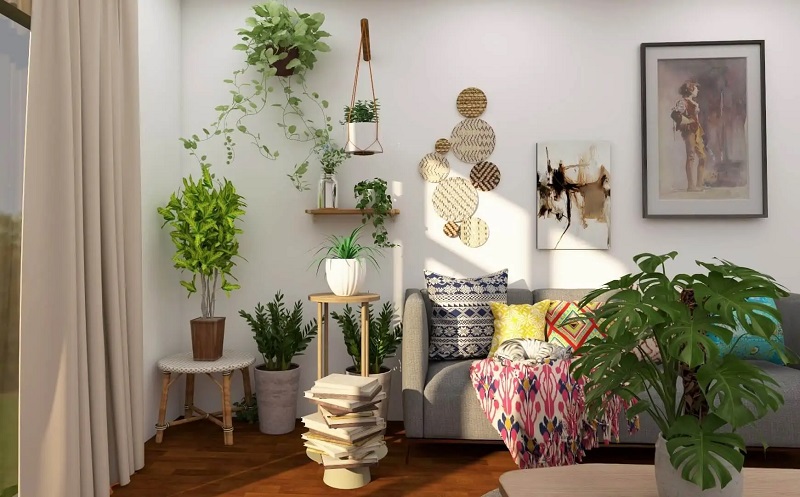
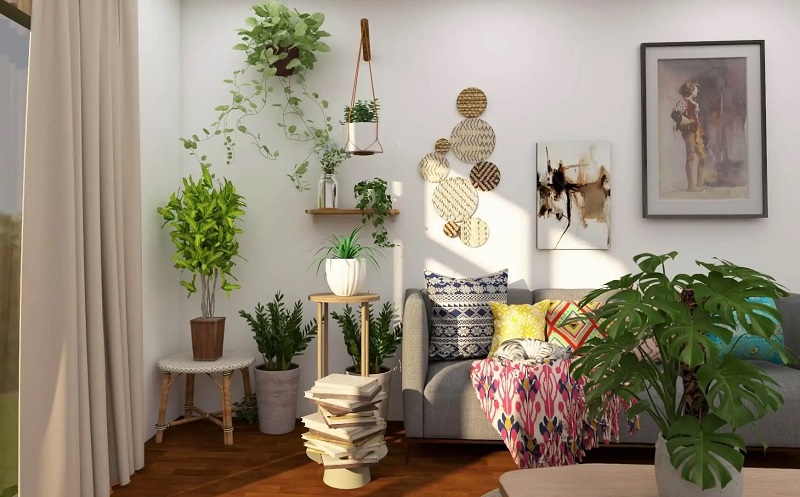
Your setup should be as comfortable as it is functional. Arrange seating—like a cozy sectional or recliners—in a semi-circle for optimal viewing angles. Add throw pillows or blankets for long sessions, and consider a snack station or mini fridge for convenience. Wall art or themed decor can add personality, making the space inviting for family or guests.
For multi-purpose rooms, a gaming projector’s portability or compact design allows easy storage or setup changes. This flexibility supports varied uses, from movie marathons to virtual karaoke nights.
Maintenance for Consistent Performance
Keep your system running smoothly. Clean your projector’s lens and vents to prevent dust buildup, which can affect image quality. Check HDMI cables and Wi-Fi routers for wear to ensure stable connections. For gaming projectors, update firmware to maintain low-latency performance. Calibrate audio settings periodically to keep sound in sync with visuals.
Conclusion
A smart home multimedia control system blends convenience, quality, and versatility. With a best 4k home theater projector for stunning visuals and a gaming projector for dynamic gaming, you can create a setup that handles any entertainment need. Add smart controls, immersive audio, and thoughtful design to transform your space into a multimedia haven. Start building today for seamless, unforgettable experiences.